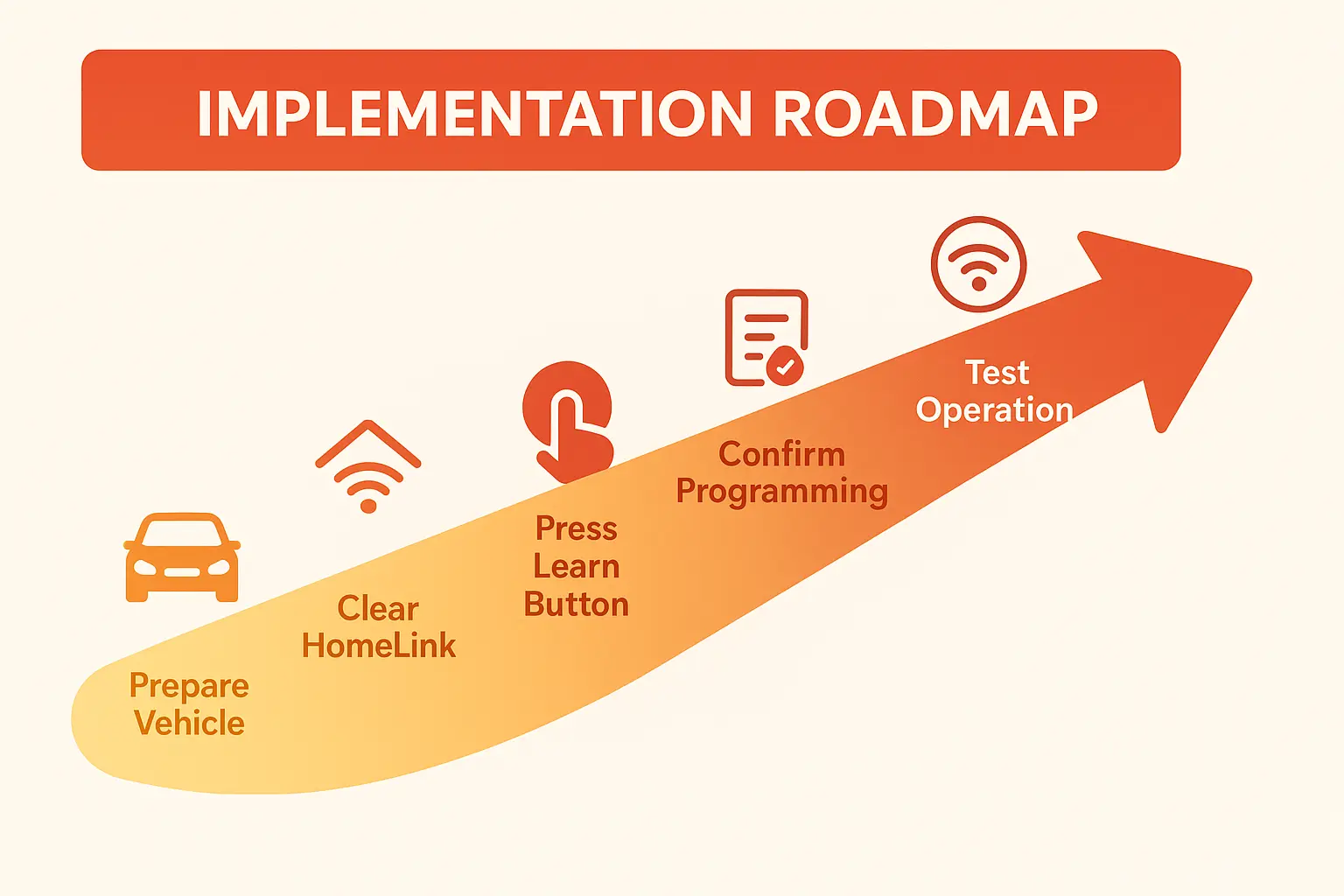
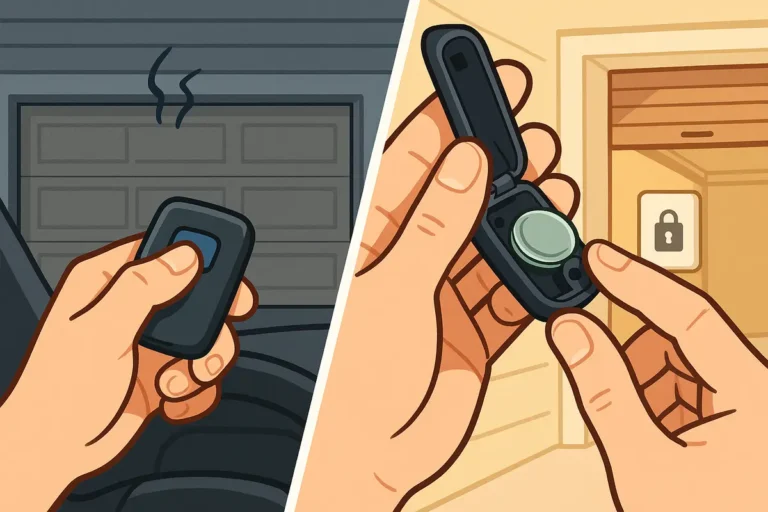
Before you begin, park your vehicle outside of the garage to prevent any accidental door movements. It’s also a good idea to have your original LiftMaster remote handy, as you’ll need it for the programming step that follows.
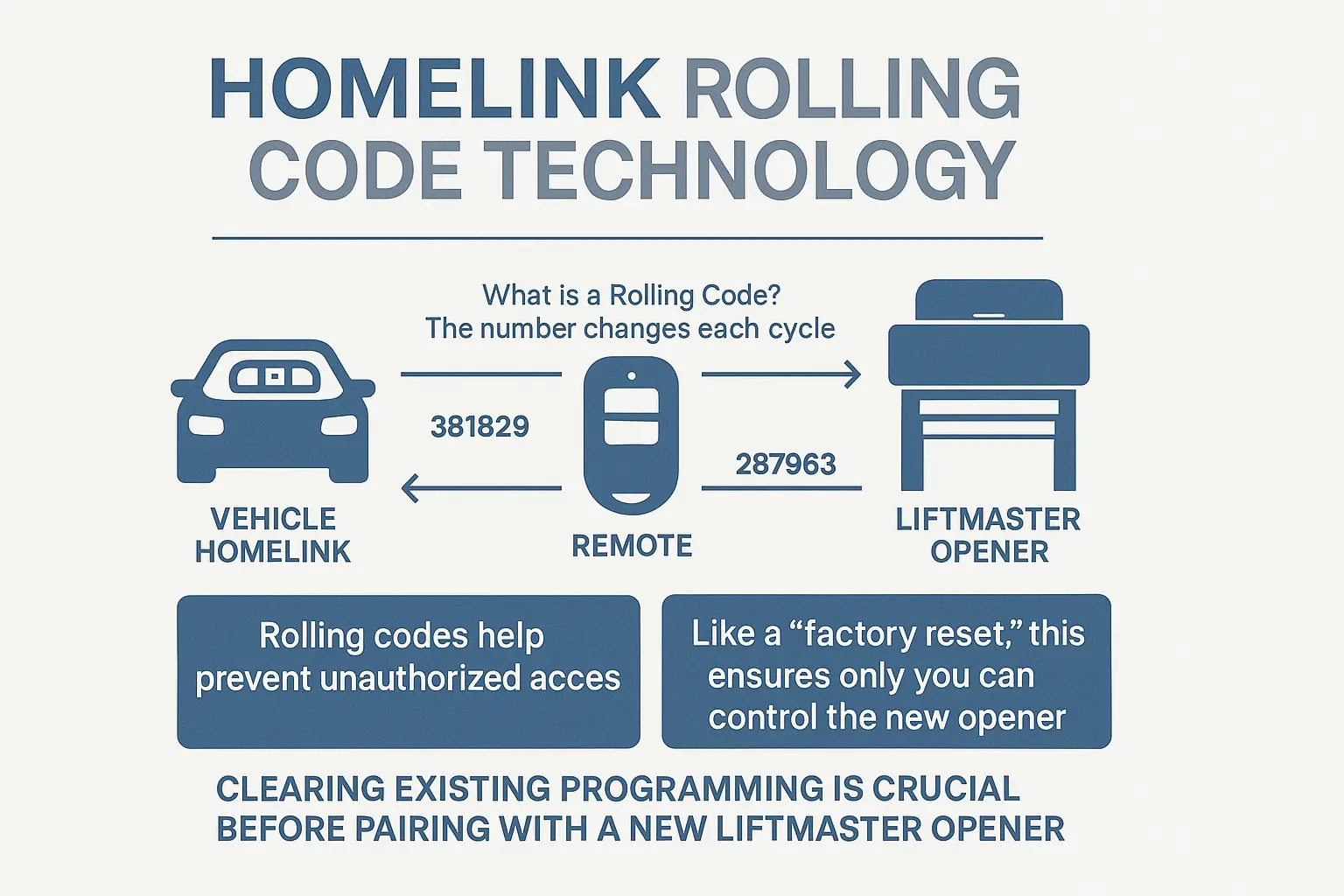
You generally have two options: a total wipe of all buttons or clearing a single button. For pairing a new opener, a total wipe is highly recommended to prevent any signal conflicts.
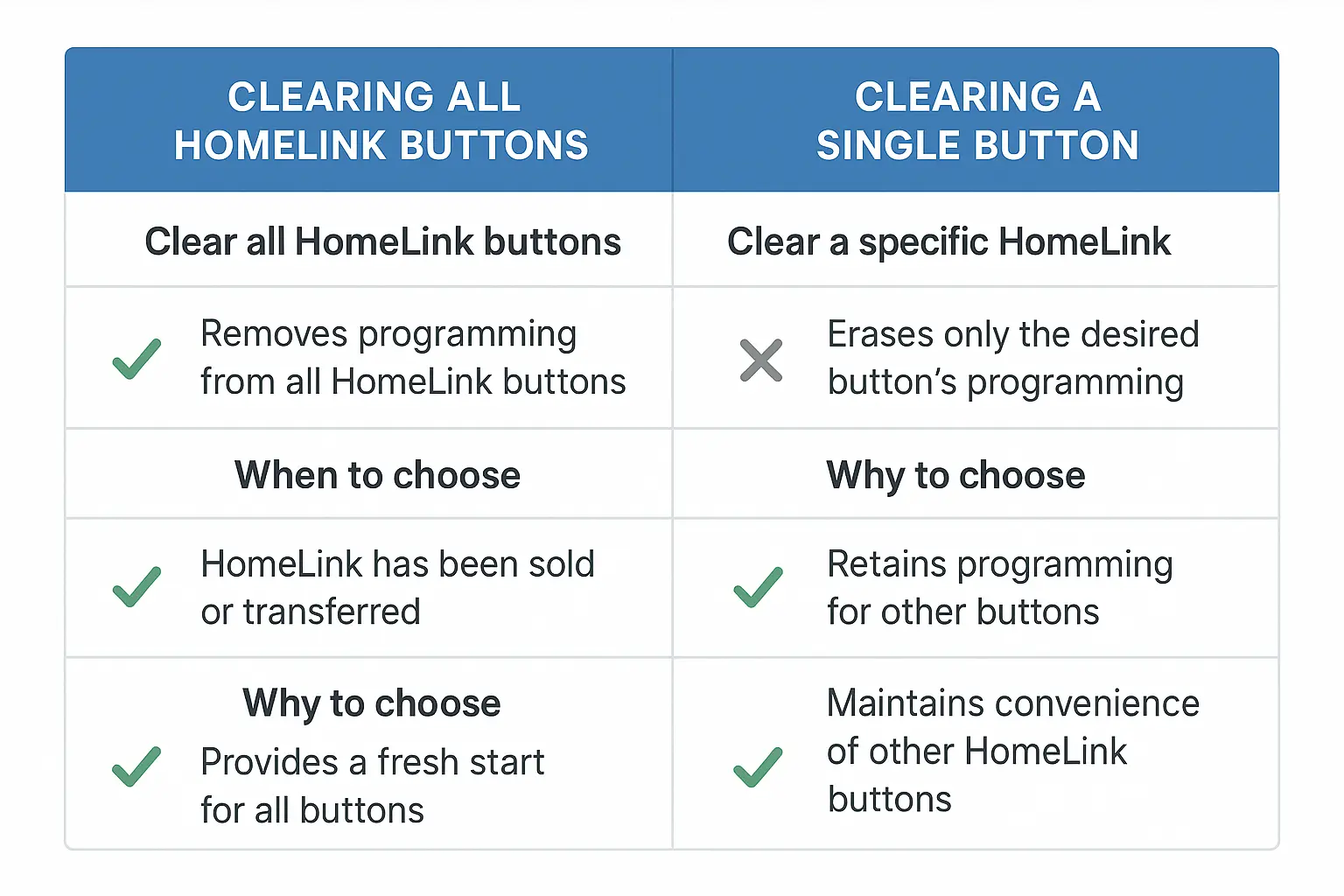
Option 1: Clearing All HomeLink Buttons (Recommended)
This is the “factory reset” method and the best way to ensure a fresh start.
- Turn On Your Vehicle: Start your car or turn the ignition to the “accessory” mode. The HomeLink system needs power to operate.
- Press and Hold: Press and hold the two outer HomeLink buttons simultaneously. Do not release them.
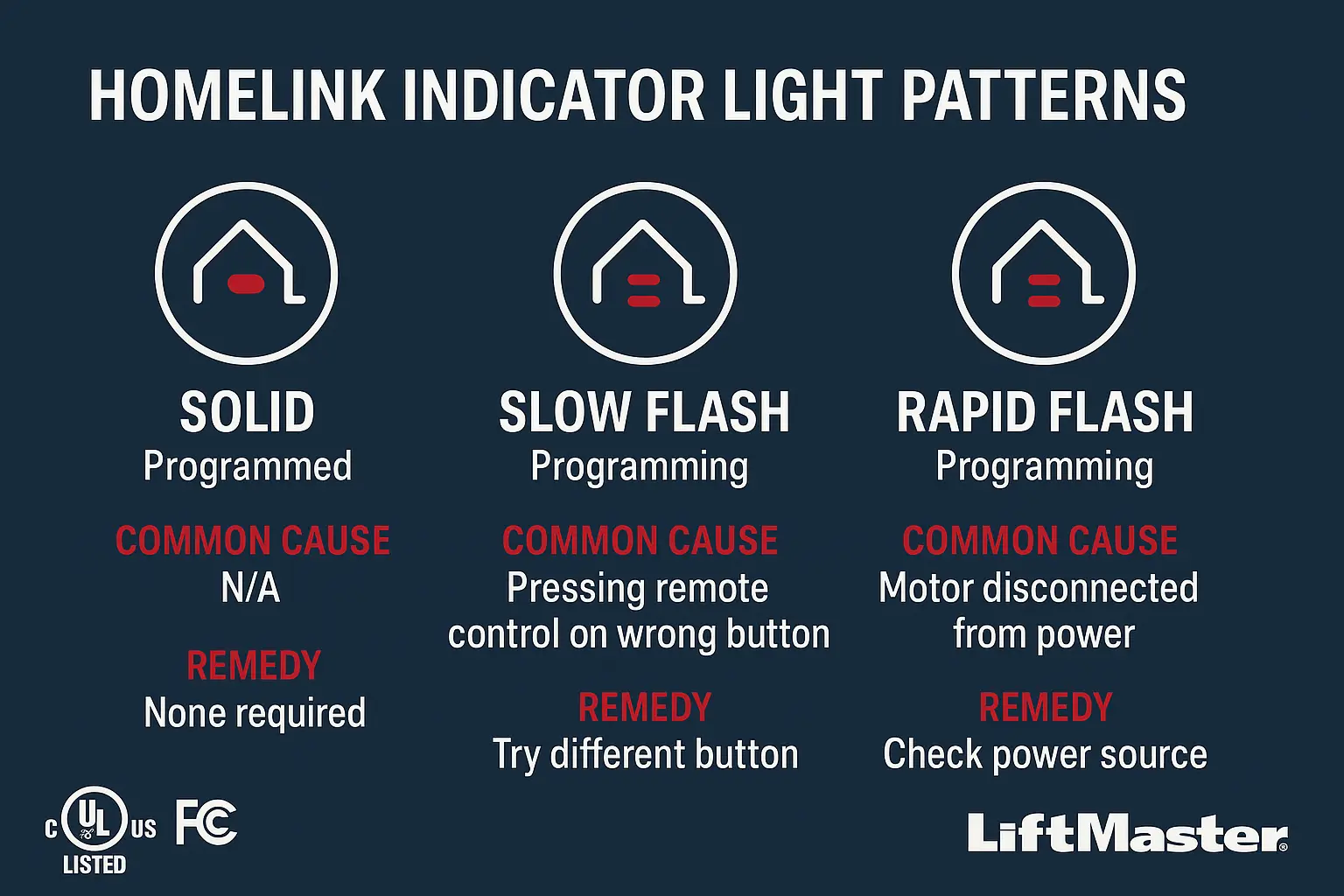
- Watch the Indicator Light: After about 10-20 seconds, the indicator light on your HomeLink system (usually near the buttons) will change from solid to flashing rapidly.
- Release: Once the light begins to flash rapidly, you can release both buttons.
Success Checkpoint: The rapid flashing confirms that all previously stored codes have been erased. Your HomeLink is now a clean slate, ready to be programmed. If you’re still having issues, you may want to consult a guide on how to reset car garage door opener systems for more vehicle-specific tips.
Option 2: Clearing a Single HomeLink Button
If you have other devices programmed (like a gate opener) and only want to clear the button for your old garage door, you can often reprogram a single button. Note that this process can vary slightly by vehicle model.
- Press and Hold: Press and hold the specific HomeLink button you wish to reprogram.
- Watch for the Flash: Continue holding the button. After about 20 seconds, the indicator light should start to flash.
- Begin Reprogramming: While still holding the HomeLink button, you would then proceed with the first step of the programming process (which typically involves holding the original remote near the HomeLink unit).
Pro Tip: For pairing a brand-new opener, Option 1 is almost always the better choice. It eliminates potential crosstalk between buttons and ensures the cleanest possible connection.