main logo

Why Your Garage Door Remote Battery Dies So Quickly: Troubleshooting & Solutions


Published: Jun 26, 2026

You're not alone in this experience, and the good news is, it's probably not the battery's fault.

Rapid battery drain in a garage door remote or keypad is usually a symptom of a deeper issue. While it’s tempting to just buy batteries in bulk, understanding the root cause can save you money and frustration. This guide will walk you through a step-by-step diagnostic process, from the simple 5-minute fixes to the surprising reasons you might not have considered.

The 5-Minute Fixes: Checking the Obvious Culprits First


Before diving into complex diagnostics, let's start with the most common and easiest problems to solve. Often, a quick inspection is all you need to get your remote working reliably again.
A flowchart showing simple fixes like checking for stuck buttons, cleaning contacts, and replacing the battery.

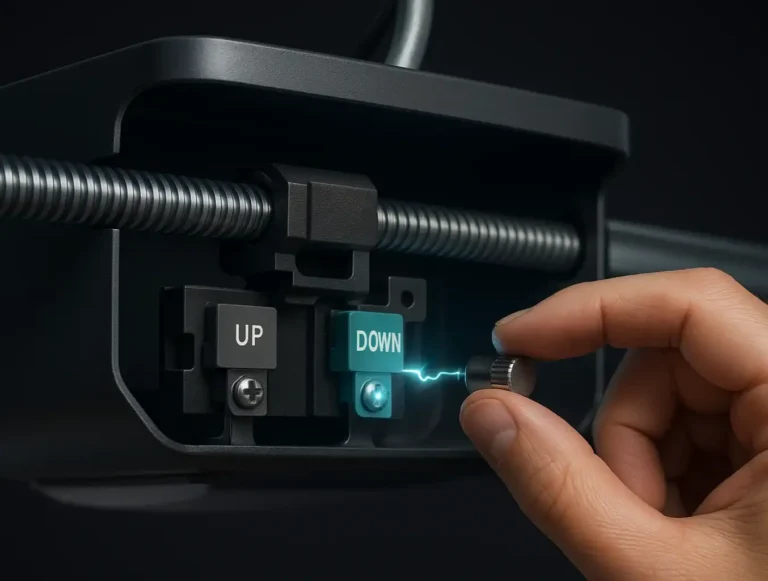
1. The Stuck Button: A Silent Battery Drain

One of the most frequent culprits is a button that is constantly, even slightly, depressed. Think of it like a dripping faucet for your battery—a small, continuous drain that empties the reservoir much faster than you’d expect.

How it Happens: A button can get stuck from being jostled in a purse, squeezed in a tight pocket, or from debris like dust and grime working its way into the casing.

The Quick Test: Press each button on your remote. Do they all click satisfyingly and pop back up immediately? If one feels mushy, sticky, or stays down, you’ve likely found your problem.

The Solution: Try cleaning around the button with a can of compressed air. If it's still stuck, you may need to carefully open the remote casing and clean the contacts.

2. Battery Quality and Contact Issues

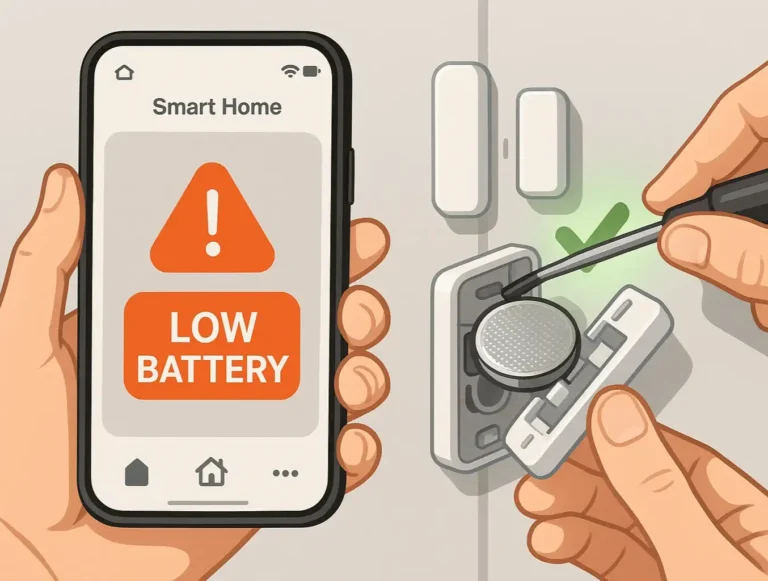
Not all batteries are created equal. While it's tempting to grab the cheapest option, low-quality or expired batteries can have a significantly shorter lifespan and inconsistent power output.

Check the Contacts: Open the battery compartment. Are the metal contacts that touch the battery bright and shiny? Or are they dull, dirty, or even corroded? Grime and corrosion create resistance, forcing the battery to work harder and drain faster.

How to Clean: Gently clean the contacts with a cotton swab dipped in rubbing alcohol. For light corrosion, a pencil eraser can work wonders.

Upgrade Your Battery: When it's time for a new garage door remote battery replacement steps that you can do yourself, opt for a reputable brand. Ensure it’s the exact model specified by your remote’s manufacturer.

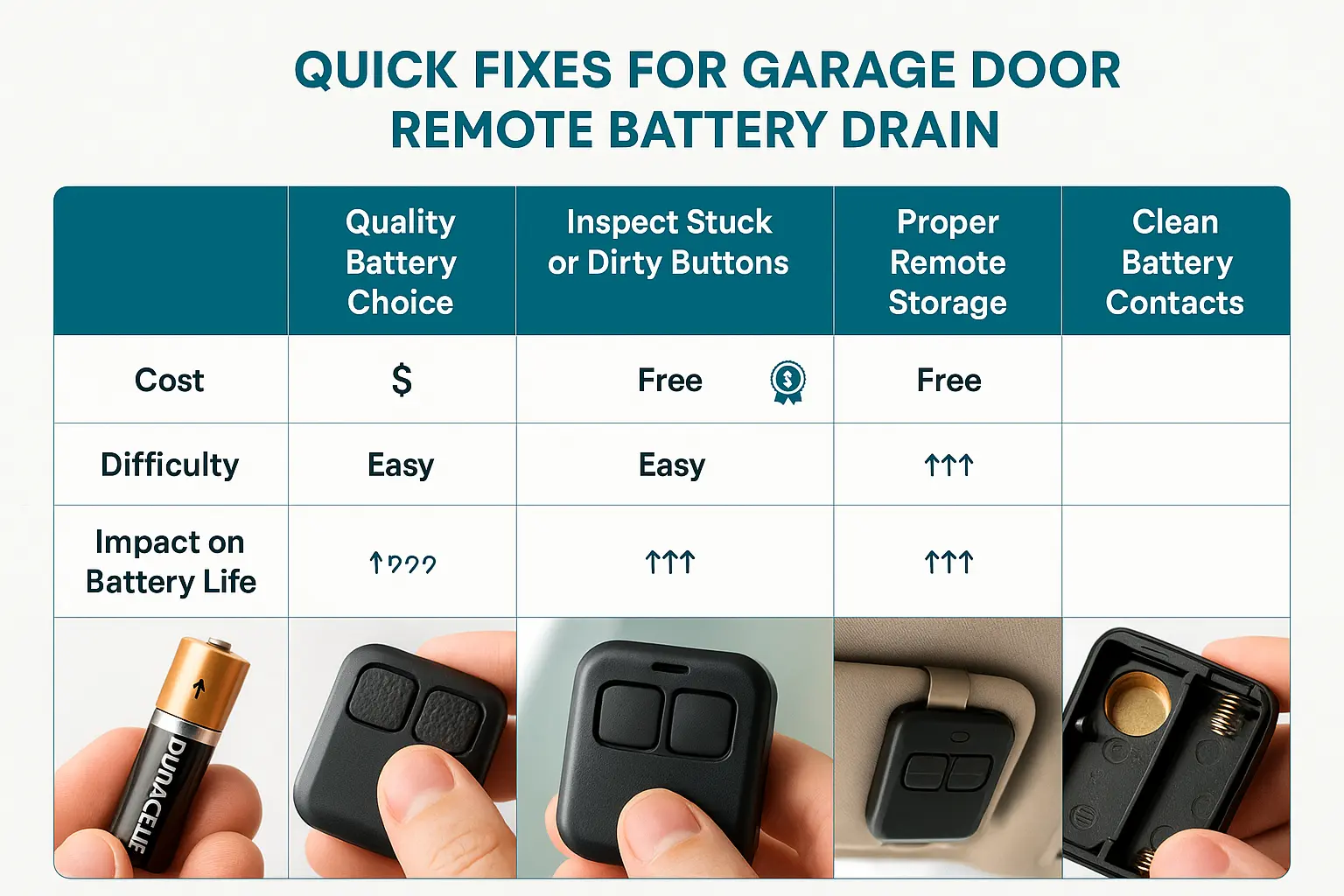
A flowchart showing simple fixes like checking for stuck buttons, cleaning contacts, and replacing the battery.

The "Aha" Moment: Why Your Opener Might Be the Real Problem


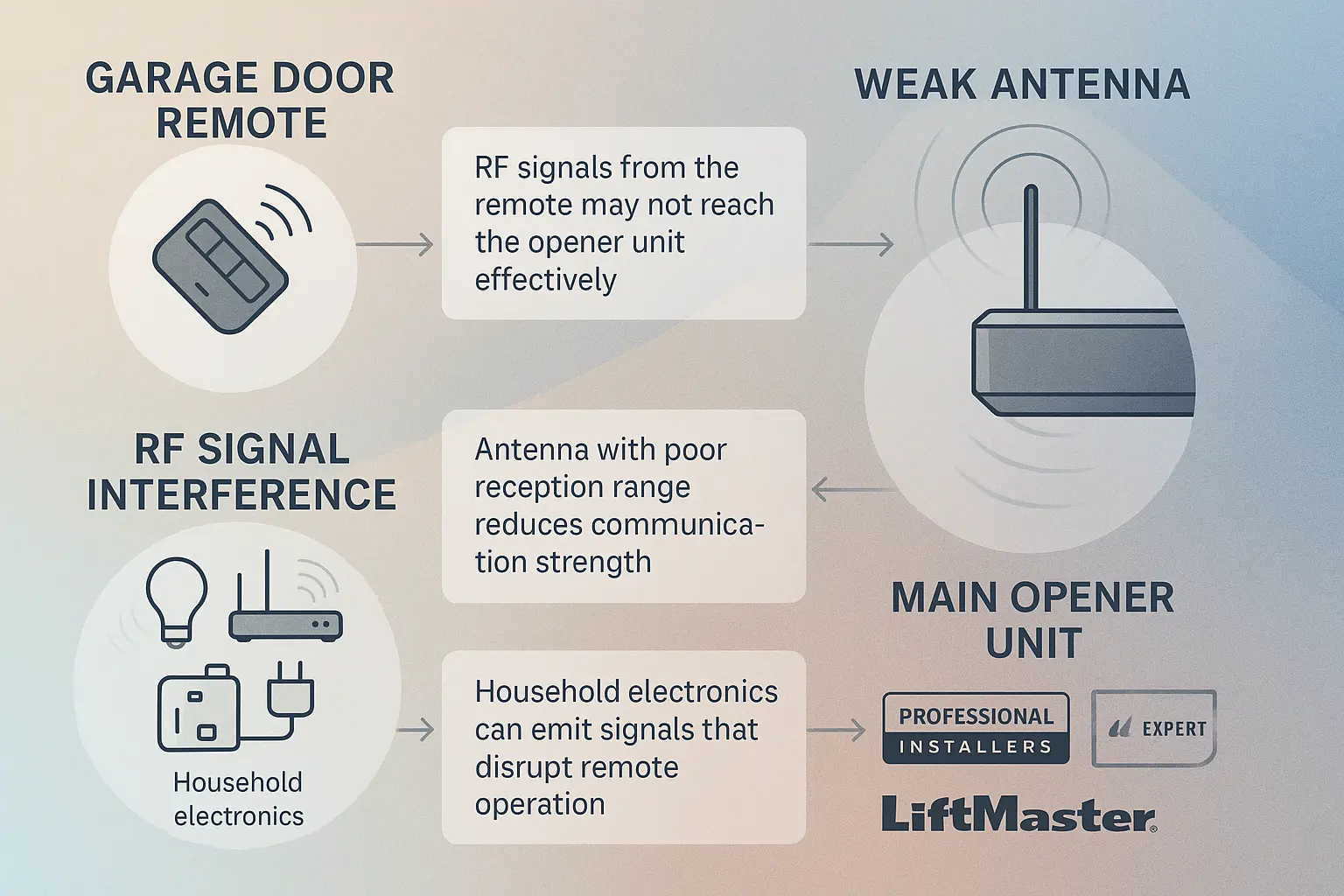
If you've checked the basics and your batteries are still dying quickly, it’s time to look beyond the remote itself. This is the single biggest missed connection most people make: the problem isn't that your remote is weak, but that your main garage door opener unit can't "hear" it properly.

Imagine you're trying to talk to a friend across a loud, crowded room. You have to shout to be heard, which uses a lot more energy than a normal conversation. Your remote does the same thing. If the signal from the opener's receiver is weak or obstructed, your remote boosts its transmission power to compensate, draining its battery in the process.
A diagram illustrating signal interference sources in a garage, such as LED light bulbs, Wi-Fi routers, and cordless phone bases, with arrows showing their signals disrupting the path between the remote and the opener's antenna.

1. Check the Opener's Antenna

The small wire hanging down from your garage door opener motor is its ear. If it’s damaged, poorly positioned, or blocked, it can't receive the signal clearly.

Reposition It: The antenna should hang straight down, free of any obstructions. Ensure it's not touching any metal surfaces, as this can severely hamper reception. Straightening it out can make a world of difference.
Inspect It: Look at the antenna wire. Is it cut, frayed, or tucked away behind other wires or metal brackets?

2. Hunt for Radio Frequency (RF) Interference

Your garage is likely filled with electronics that can create RF interference, essentially "noise" that drowns out your remote's signal. The most common culprit is a surprising one: LED light bulbs.

The LED Problem: Many modern, energy-efficient LED bulbs emit frequencies that can interfere with garage door openers. If you recently installed new bulbs in your opener or garage and the problem started, this is a likely cause.

Other Sources: Other electronics can also cause garage door remote opener signal issues problems and signal dropouts that disrupt your daily access. These include Wi-Fi routers, cordless phone systems, battery chargers, and even some smart home devices.

How to Test: A simple way to test for interference is to unplug nearby devices one by one and see if your remote's range and reliability improve.

A diagram illustrating signal interference sources in a garage, such as LED light bulbs, Wi-Fi routers, and cordless phone bases, with arrows showing their signals disrupting the path between the remote and the opener's antenna.

Advanced Diagnostics: When the Problem Is Inside the Remote


If you’ve ruled out external factors, the issue might be with the remote's internal circuitry. This can happen due to age, moisture, or being dropped one too many times.

  • Micro-Shorts: A tiny crack in the circuit board or a loose solder joint can create a micro-short, causing a constant power drain that kills a battery in days.
  • Water Damage: Did the remote get left out in the rain or dropped in a puddle? Even a small amount of moisture can cause corrosion on the circuit board, leading to malfunctions and battery drain.
  • Constant Transmission: In rare cases, a faulty remote might be stuck constantly transmitting a signal, even when no button is pressed. An indicator light that stays on or flickers randomly is a tell-tale sign of this.
At this stage, unless you have experience with electronics, the most effective solution is often to replace the remote.

The Ultimate Troubleshooting Roadmap & When to Call a Pro


Feeling a bit overwhelmed? Use this checklist to guide you. Work through these steps in order to diagnose your issue efficiently.
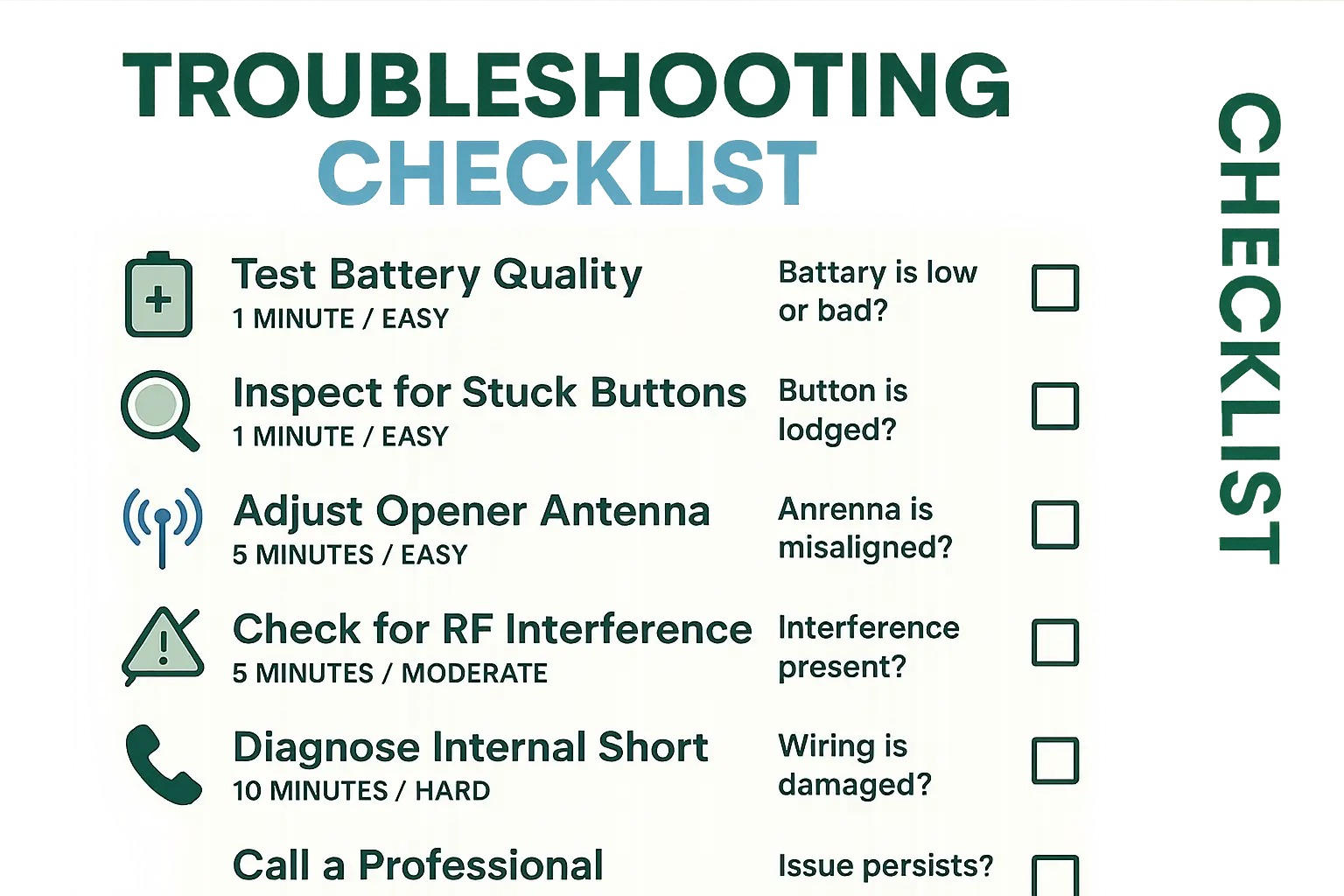
A visually clear troubleshooting flowchart that starts with "Battery Draining Fast?" and branches to "Check Button," "Inspect Contacts," "Test for Interference," and finally "Contact a Professional."
DIY Troubleshooting Checklist:
1. Check the Buttons: Press each button to ensure none are stuck or sticky.
2. Inspect the Battery: Replace it with a fresh, high-quality battery of the correct type.
3. Clean the Contacts:: Ensure the battery contacts inside the remote are clean and corrosion-free.
4. Check the Opener's Antenna: Make sure the antenna wire on the main unit is hanging straight down and isn't damaged or obstructed.
5. Test for RF Interference:: Unplug any new LED bulbs or electronics in the garage and test the remote again.
6. Try a Spare Remote: If you have another remote, see if its battery drains just as quickly. If it doesn't, the problem is with your original remote. If both remotes have issues, the problem is likely with the main opener unit.
When to Call a Professional: If you've gone through this entire list and the problem persists, it may be time for professional help. The issue could be with the logic board or receiver in the main garage door opener unit, which requires an experienced technician to diagnose and repair safely.

A visually clear troubleshooting flowchart that starts with "Battery Draining Fast?" and branches to "Check Button," "Inspect Contacts," "Test for Interference," and finally "Contact a Professional."

Frequently Asked Questions


Q: How long should a garage door remote battery last?

A: With normal use, a battery in a typical garage door remote should last about two years. If you're replacing it every few months—or weeks—something is definitely wrong.

Q: Do I need to reprogram my remote after changing the battery?

A: In most cases, no. The remote should retain its programming. However, if it stops working after a battery change, you may need to reprogram a garage door opener smoothly to match your vehicle's built-in system. to sync it with the main unit again. The same logic applies if you need to reset a garage door keypad securely when changing your outdoor entry PIN code.

Q: Can extreme cold or heat in my garage affect the battery?

A: Yes. Extreme temperatures can affect a battery's performance and lifespan. Cold weather, in particular, can reduce a battery's voltage, making the remote seem weaker or unresponsive. However, it shouldn't cause it to drain completely in a short period.

By moving beyond the simple "replace the battery" fix, you can uncover the real reason for your remote troubles. A little bit of detective work can lead to a reliable remote and one less frustration in your day.

You may also like


blog photo

Changing the Backup Battery in Your Main Garage Door Opener Unit

It often starts in the middle of the night. A single, persistent beep echoing from the garage. It’s not the smoke detector, and it’s not the security system. It’s your garage door opener, and it’s trying to tell you something important. If you’ve been asking yourself, "Why is my garage door opener beeping?", you've come to the right place. That sound is almost always the unit's way of signaling that its backup battery is failing. While it might seem like a complex issue, replacing this battery is one of the most straightforward DIY tasks a homeowner can tackle. This guide will walk you through the entire process, from identifying the correct battery to safely installing the new one and understanding what to do if the beeping continues.