You press a button, and your garage door opens. You press it again, and it closes. In between those moments, which total maybe 60 seconds a day, your garage door opener is completely idle, right? Not exactly.
If you’ve ever looked into the “standby power” of your opener, you likely found articles about battery backups that kick in during a power outage. While that’s an important feature, there’s a second, more subtle kind of standby power at play 24/7: phantom load.
This is the silent, constant trickle of electricity your opener consumes just by being plugged in. It’s the energy it needs to listen for your remote, power its safety sensors, and keep its internal memory. And while it might seem small, this phantom load can add up, making the cost of waiting for a command more expensive over a year than the cost of actually opening and closing the door.
Let’s pull back the curtain on this hidden energy user and see what it really means for your home and your wallet.
Understanding Standby Power of Modern Garage Door Openers
Published: Apr 22, 2026 | Updated: Jul 28, 2026
Foundation: What is Phantom Load and Why Does It Matter?
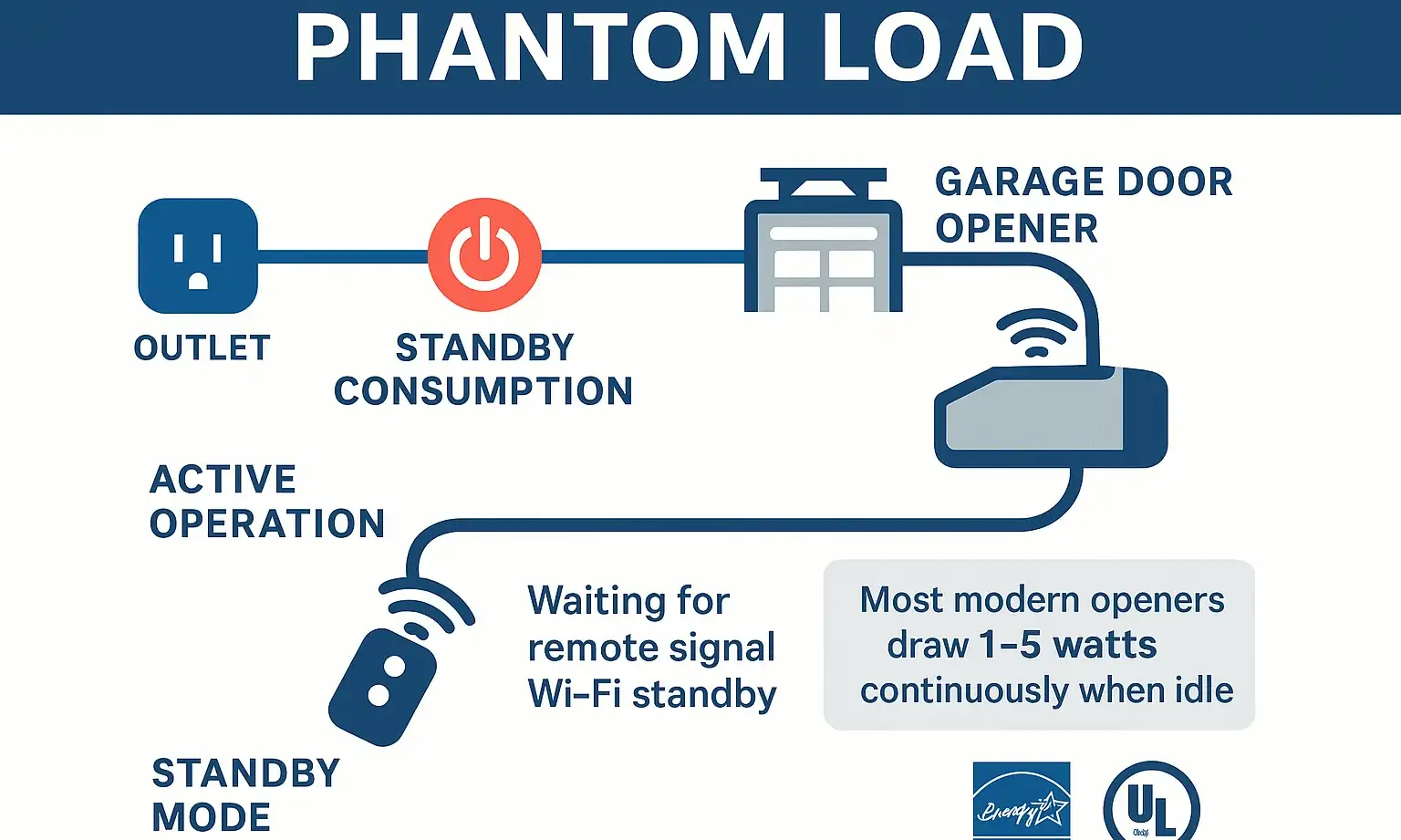
Phantom load, also known as standby power or vampire power, is the electricity consumed by an electronic device when it is turned off or in standby mode.
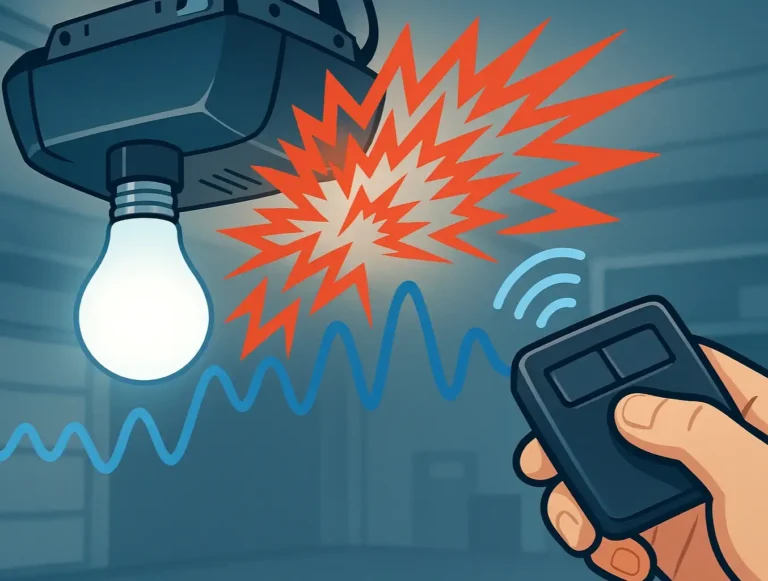
Think of the small red light on your television. The TV is off, but that light tells you it’s ready for a signal from the remote. Your garage door opener works the same way. It isn’t moving the door, but it’s constantly “listening” for a command. This requires a small but continuous flow of electricity to power its radio receiver.
For modern openers, it doesn’t stop there. Power is also needed for:
For modern openers, it doesn’t stop there. Power is also needed for:
While the power draw from a single device is minimal, the cumulative effect of all the “always-on” devices in a home can account for up to 10% of a household’s electricity bill. Understanding your garage door opener’s phantom load is the first step to managing this hidden cost.
Building: How Much Power Do They Actually Use?
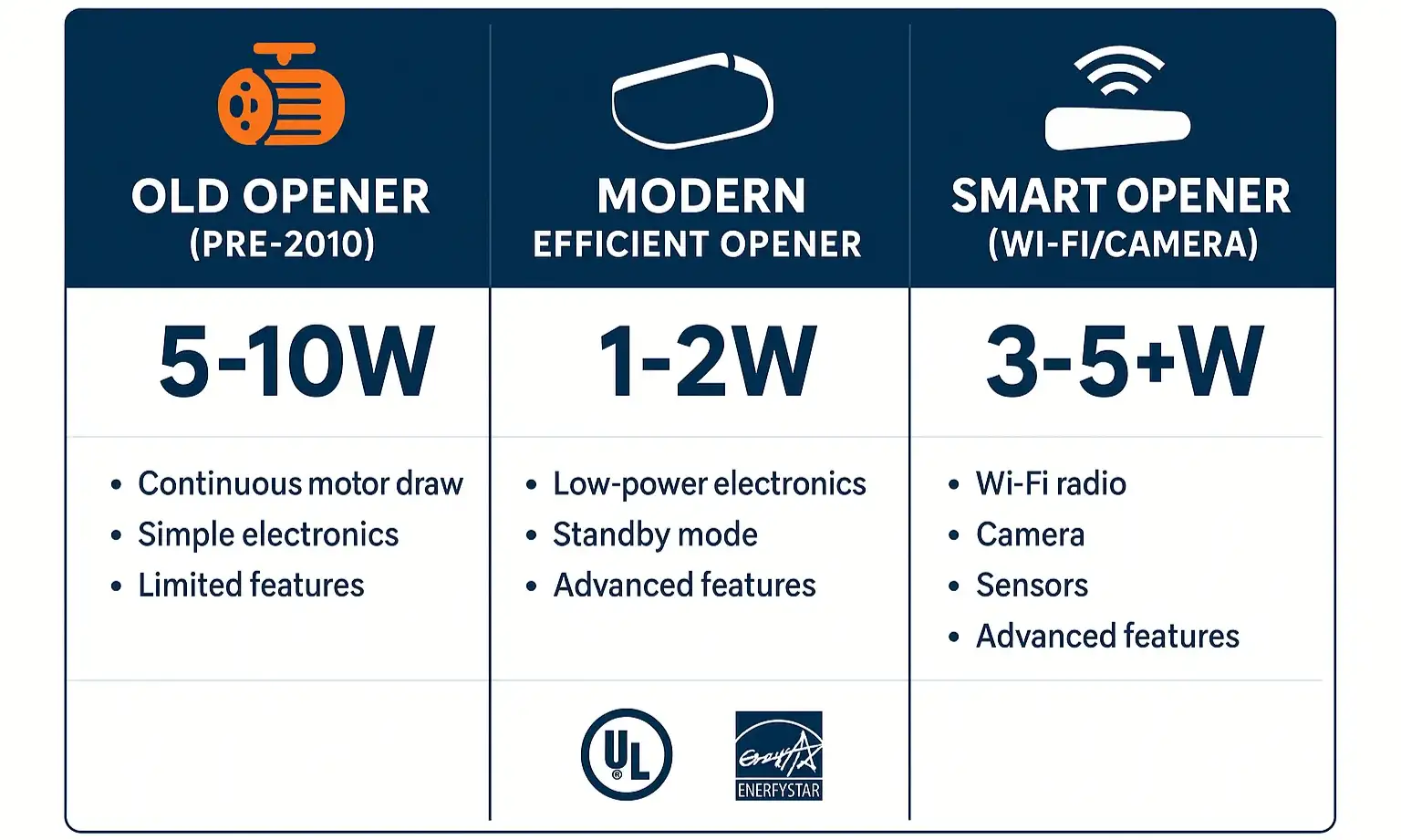
Not all garage door openers are created equal when it comes to energy efficiency. The age and features of your model play the biggest role in how much power it sips while idle.
Here’s a general breakdown:
The key takeaway is that an upgrade from a 15-year-old opener to a new one can significantly reduce your garage’s phantom load, even if you opt for a smart model.
Action: 3 Ways to Reduce Your Garage's Phantom Load
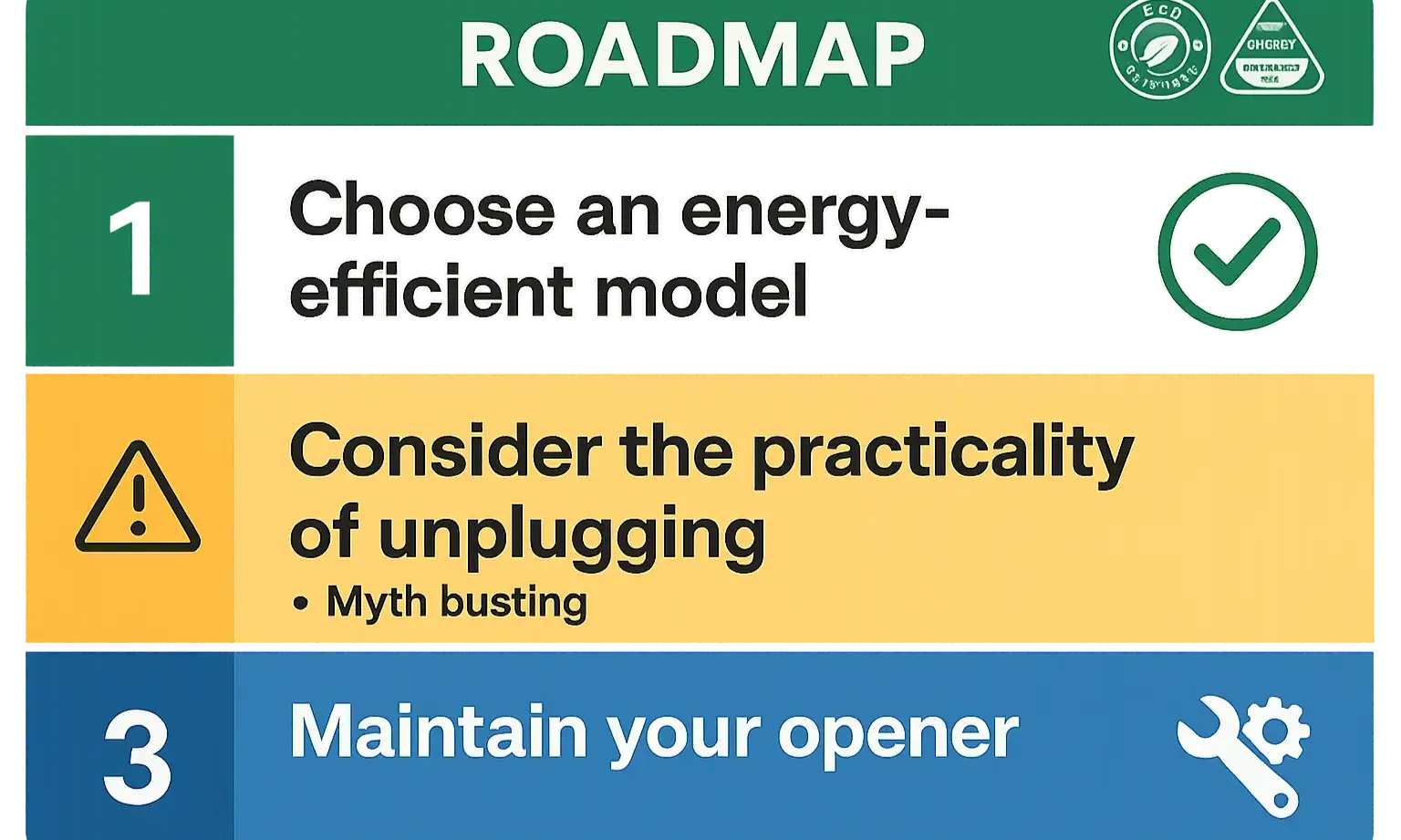
Now that you’re aware of the phantom load, you can take practical steps to minimize it.
1. Choose an Energy-Efficient Model When Upgrading
If you’re in the market for a new opener, make standby power a part of your decision. Look for models that specifically advertise low standby consumption (ideally under 2 watts). Our comprehensive garage door opener buying guide can help you weigh all the factors, including motor type, drive system, and features.
2. Prioritize Regular Maintenance
A well-maintained garage door requires less force to open and close, reducing the strain on the motor and ensuring all electronic components operate efficiently. Misaligned tracks or a poorly lubricated chain can cause the motor to work harder, which can impact overall energy use. Simple tasks, like learning how to lubricate a garage door chain, can make a noticeable difference in performance and efficiency.
3. Understand the Unplugging Myth
Myth: The easiest way to save money is to unplug the garage door opener when you’re not using it.
Fact: While this would eliminate phantom load, it’s highly impractical and often counterproductive. Unplugging the opener resets its travel limits and safety sensor alignment. You would need to re-program it every time you plugged it back in, creating a significant hassle and potential safety risk for a few dollars of savings per year. For this reason, unplugging is not a recommended solution.
Answering Your Top Questions About Garage Door Opener Power
How much electricity does a garage door opener use on standby?
It varies significantly by age and model. An older unit might use 5-10 watts, while a new, energy-efficient model uses only 1-2 watts. Smart openers with Wi-Fi typically use between 3-5 watts to stay connected.
Do smart garage door openers use more power when idle?
Yes, they do. The components that enable Wi-Fi connectivity, app control, and other smart features require a constant supply of power. This results in a higher phantom load compared to a standard, non-connected modern opener. However, many homeowners find the convenience and security offered by the top smart garage door accessories to be a worthwhile trade-off for the small increase in energy use.
Should I just unplug my garage door opener to save money?
We strongly advise against this. Unplugging the unit erases its memory, including the crucial safety settings for travel limits and force sensitivity. The inconvenience and safety implications far outweigh the minimal financial savings.
Your Path to an Energy-Efficient Garage
The phantom load of your garage door opener isn’t going to break your budget, but it is a perfect example of how small, constant energy drains can add up across your entire home.
By understanding what phantom load is, knowing how much power your model uses, and making energy efficiency a factor in future purchases, you’re taking an active role in creating a smarter, more efficient home. It’s not about unplugging everything—it’s about making informed choices.
By understanding what phantom load is, knowing how much power your model uses, and making energy efficiency a factor in future purchases, you’re taking an active role in creating a smarter, more efficient home. It’s not about unplugging everything—it’s about making informed choices.
Frequently Asked Questions
How much electricity does a garage door opener use on standby?
It varies significantly by age and model. An older unit might use 5-10 watts, while a new, energy-efficient model uses only 1-2 watts. Smart openers with Wi-Fi typically use between 3-5 watts to stay connected.
Do smart garage door openers use more power when idle?
Yes, they do. The components that enable Wi-Fi connectivity, app control, and other smart features require a constant supply of power. This results in a higher phantom load compared to a standard, non-connected modern opener. However, many homeowners find the convenience and security offered by the top smart garage door accessories to be a worthwhile trade-off for the small increase in energy use.
Should I just unplug my garage door opener to save money?
We strongly advise against this. Unplugging the unit erases its memory, including the crucial safety settings for travel limits and force sensitivity. The inconvenience and safety implications far outweigh the minimal financial savings.