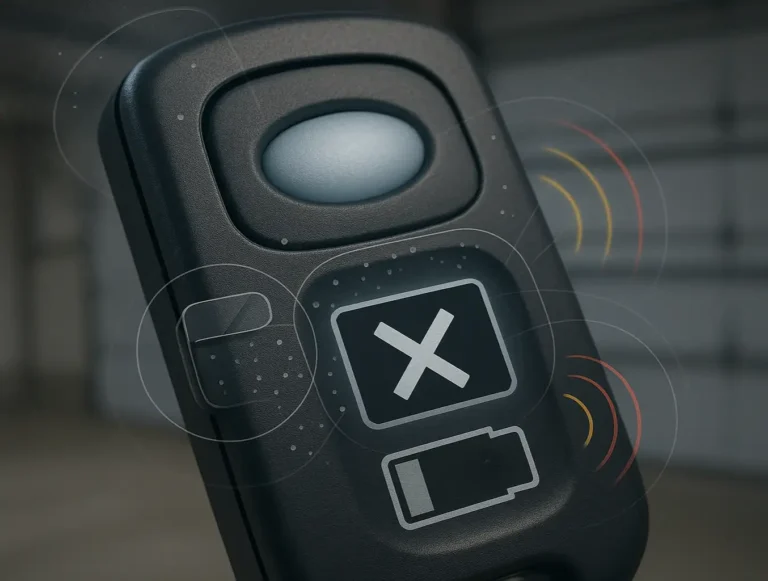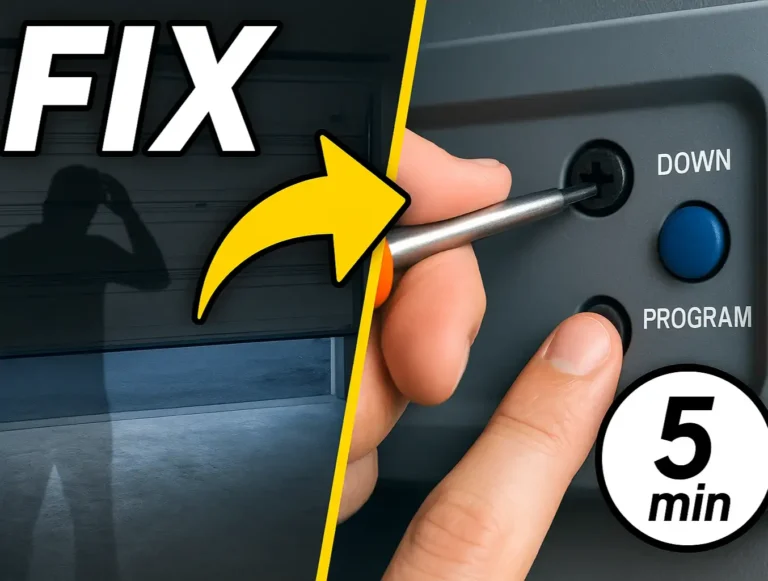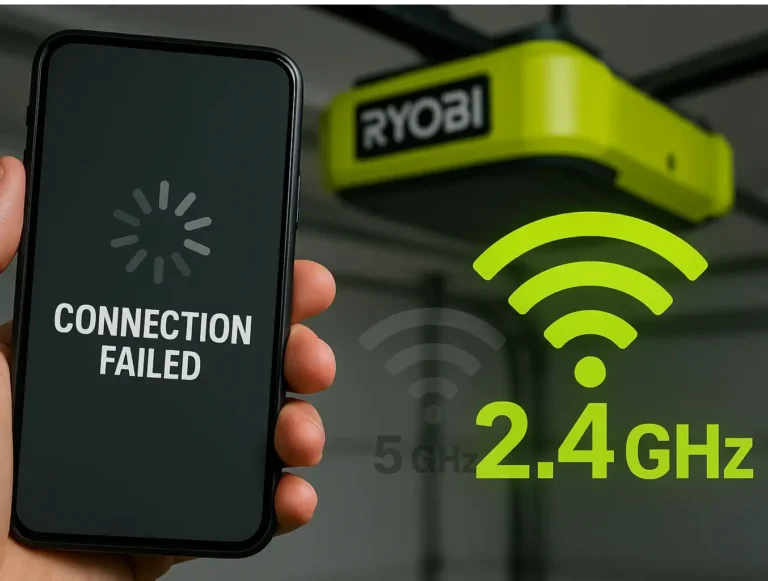
It often starts in the middle of the night. A single, persistent beep echoing from the garage. It’s not the smoke detector, and it’s not the security system. It’s your garage door opener, and it’s trying to tell you something important.
If you’ve been asking yourself, “Why is my garage door opener beeping?”, you’ve come to the right place. That sound is almost always the unit’s way of signaling that its backup battery is failing. While it might seem like a complex issue, replacing this battery is one of the most straightforward DIY tasks a homeowner can tackle.
This guide will walk you through the entire process, from identifying the correct battery to safely installing the new one and understanding what to do if the beeping continues.
Changing the Backup Battery in Your Main Garage Door Opener Unit
Published: May 21, 2026 | Updated: Jul 28, 2026
First, Let's Pinpoint the Problem: Which Battery Is It?
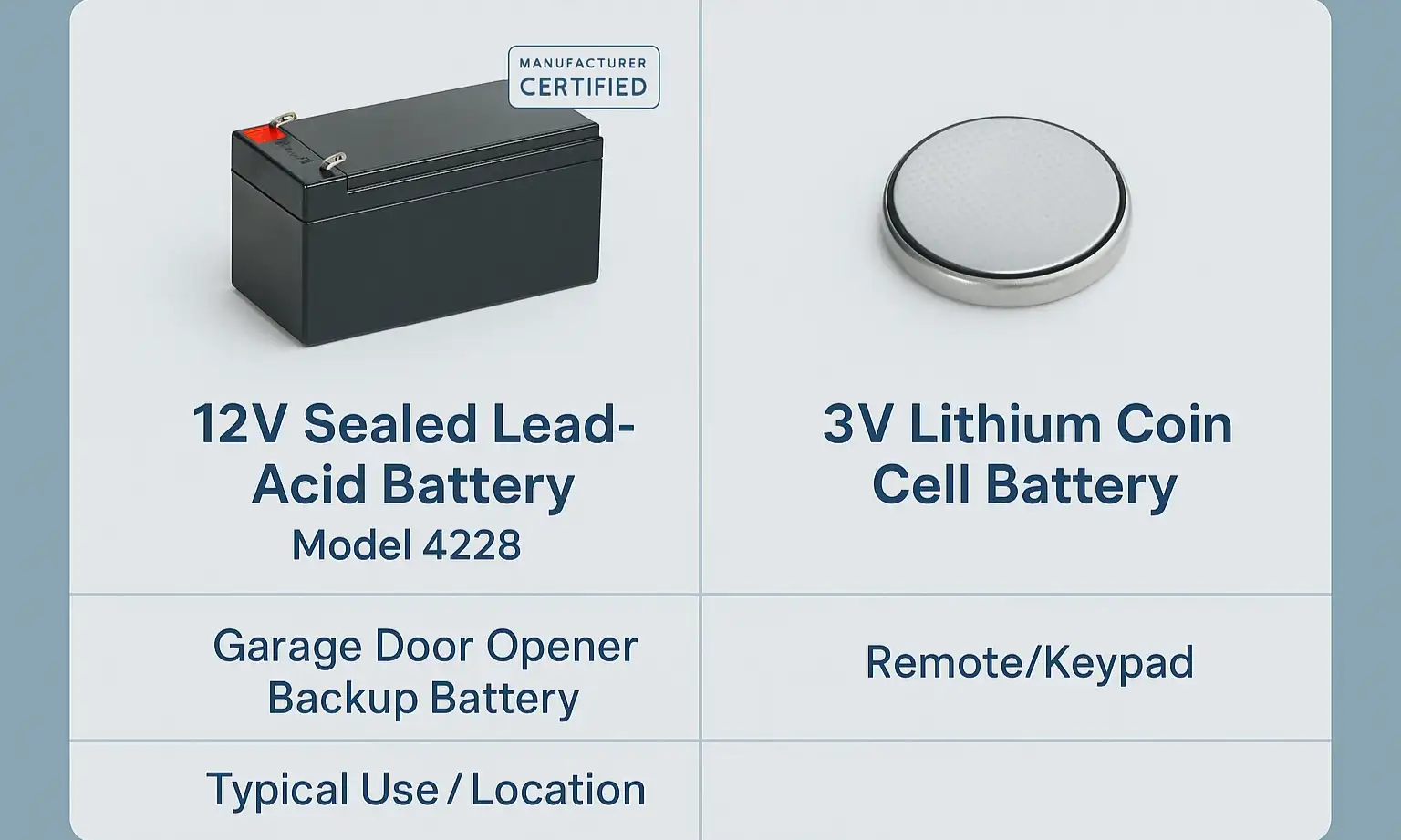
Before you start unscrewing anything, it’s crucial to understand which battery we’re talking about. A modern garage door opener system has multiple batteries, and this is the number one point of confusion.
Confusing the two can lead to a lot of frustration. If the beeping is coming from the large motor unit on the ceiling, you are dealing with the main backup battery.
This distinction also answers the common question, “does my garage door opener have a battery at all?” While nearly all openers have batteries in their remotes, only models with a battery backup feature will have this larger battery inside the main unit.
This distinction also answers the common question, “does my garage door opener have a battery at all?” While nearly all openers have batteries in their remotes, only models with a battery backup feature will have this larger battery inside the main unit.
Finding and Buying the Right Replacement Battery
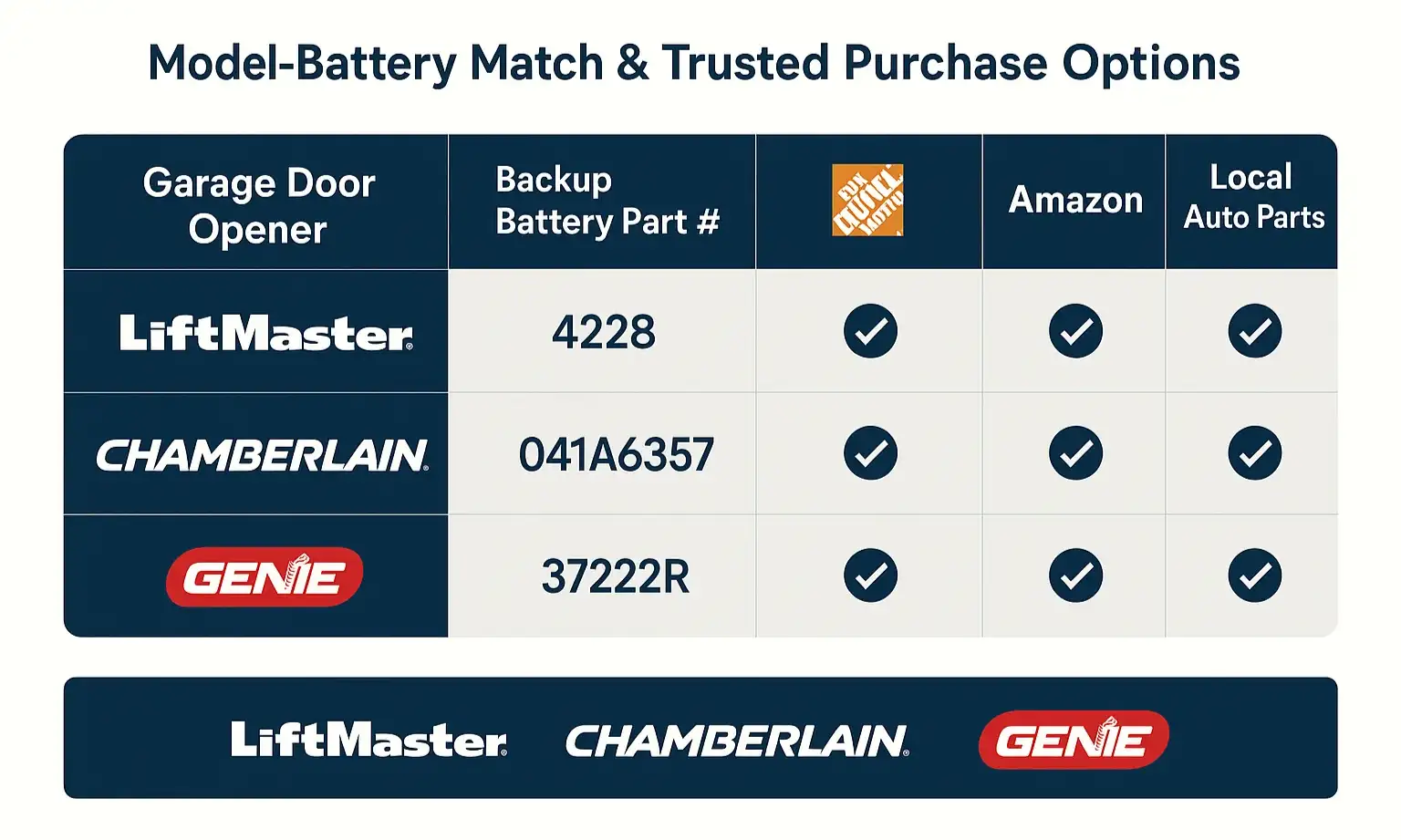
Now that you know what you’re looking for, the next step is sourcing the right part. Most residential garage door openers use a standard 12-volt, 4.5Ah to 5Ah Sealed Lead-Acid battery.
You’ll often find a specific model number on the old battery. Here are a few common ones for major brands:
You’ll often find a specific model number on the old battery. Here are a few common ones for major brands:
You don’t always have to buy the official brand-name battery. You can often find compatible SLA batteries at home improvement stores, battery specialty shops, or even auto parts stores. Just make sure the voltage (12V) and physical dimensions match your old battery.
Step-by-Step Guide: Replacing Your Garage Door Opener Backup Battery
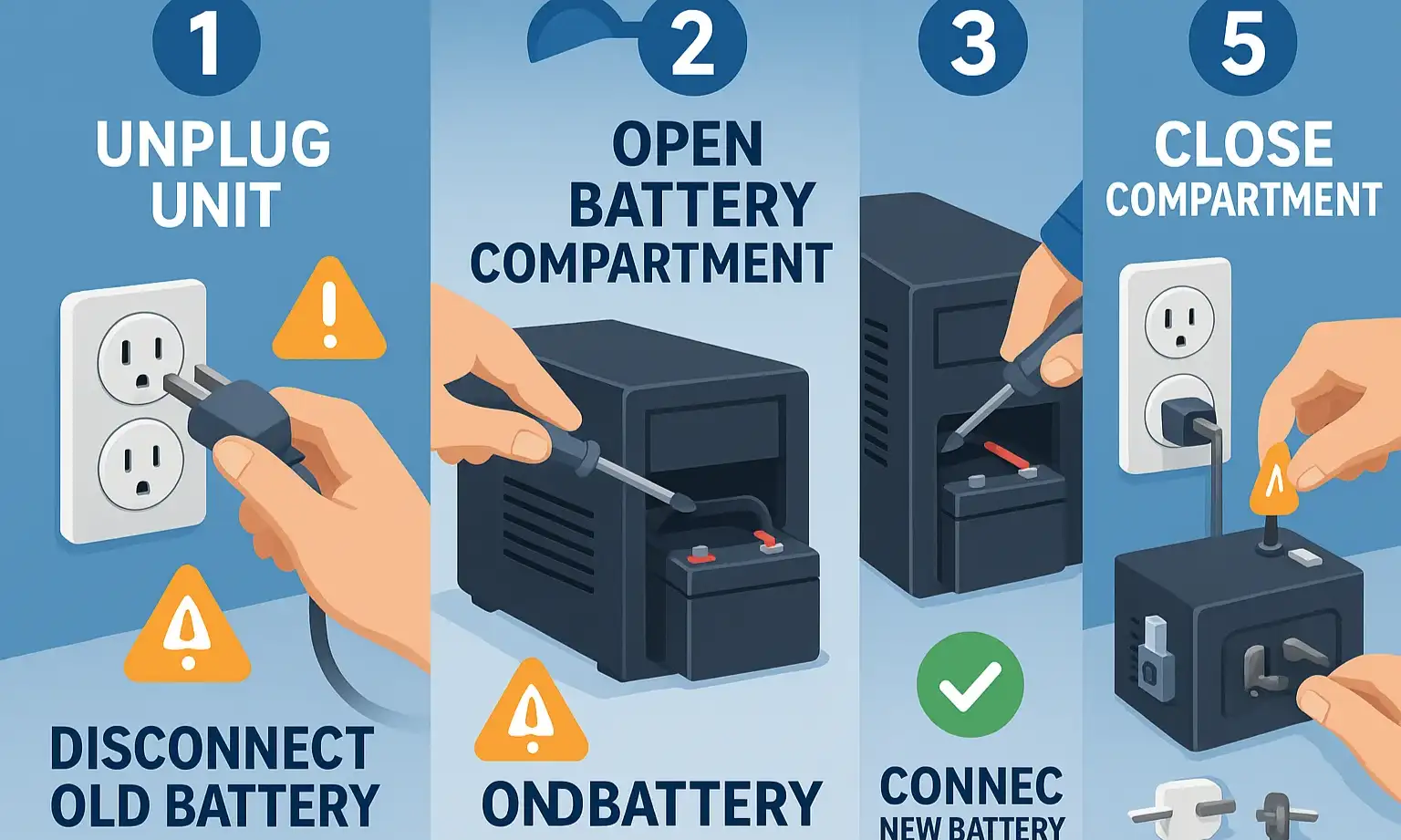
With your new battery in hand, you’re ready for the replacement. You’ll only need a Phillips head screwdriver and a sturdy step ladder. The whole process should take less than 15 minutes.
Step 1: Safety First – Unplug the Opener
This is the most important step. Before you do anything else, unplug the main garage door opener unit from the ceiling outlet. This eliminates any risk of electric shock. You should also disengage the garage door from the opener by pulling the emergency release cord.
Step 2: Locate and Open the Battery Compartment
The battery compartment is usually on the side of the motor unit, often under a light cover or a small panel held in place by a single screw. On many Chamberlain and LiftMaster models, you simply slide the light lens off to expose the battery. Consult your owner’s manual if you’re unsure.
Step 3: Disconnect the Old Battery
Inside, you’ll see the battery with two wires connected to its terminals: one red (positive) and one black (negative). Gently slide the connectors off the terminals. They might be snug, so a little wiggling may be needed. Pay close attention to which color wire goes on which terminal.
Step 4: Connect the New Battery
Slide the old battery out and put the new one in its place. Reconnect the wires, making sure to match the colors correctly: Red to the positive (+) terminal and Black to the negative (-) terminal. Getting this right is crucial for the unit to function and charge properly.
Step 5: Close Up and Restore Power
Replace the battery compartment cover and secure it. Now you can plug the motor unit back into the ceiling outlet and re-engage the garage door trolley.
What to Expect Next (And What to Do if It's Still Beeping)
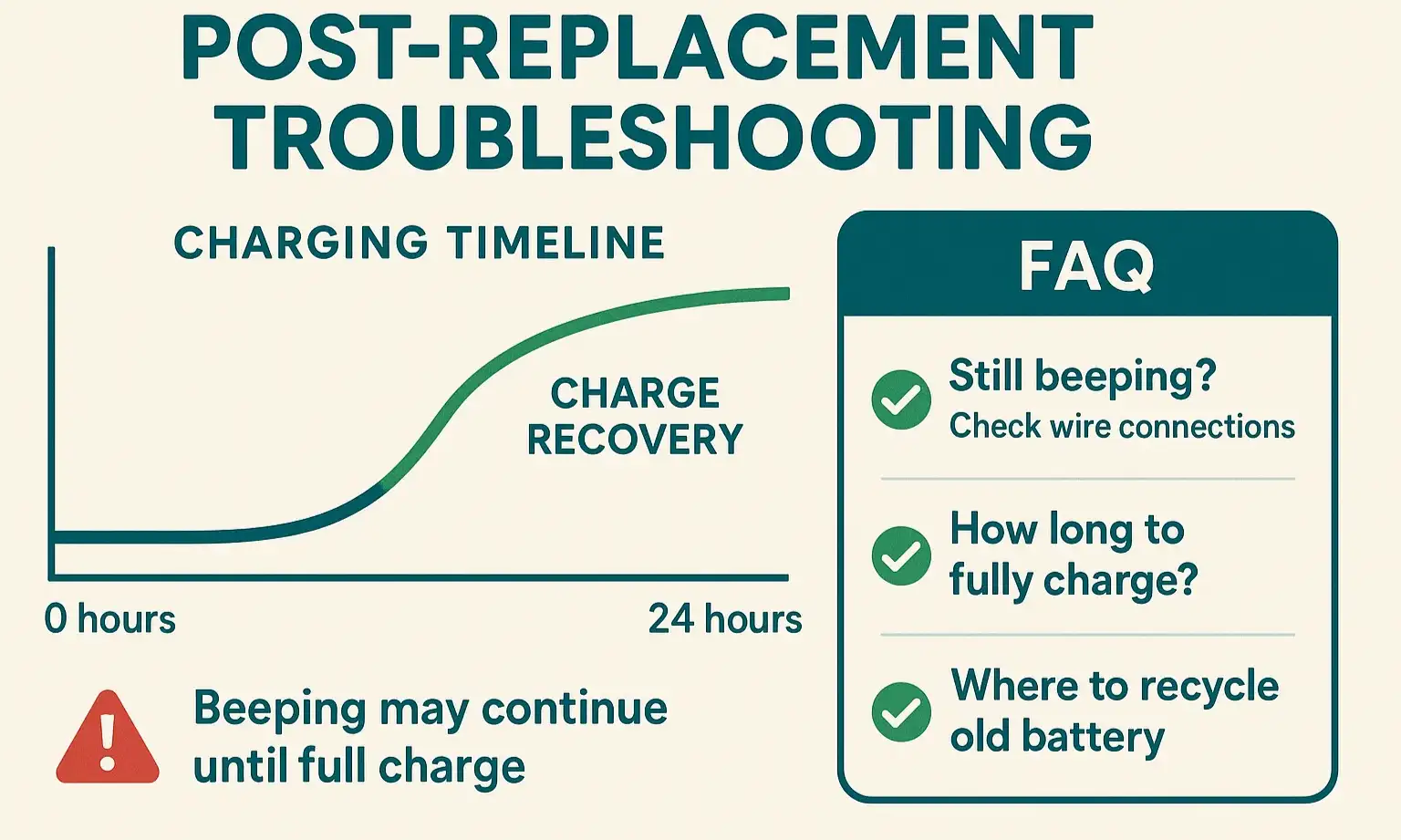
Here’s an important “aha moment” for many homeowners: the beeping may not stop immediately after you install the new battery.
The new battery ships with a partial charge, but the opener’s internal charger needs time to bring it to 100%. This can take up to 24 hours. During this initial charging period, the opener may continue to beep because it still detects a “low battery” status.
So, if you’ve double-checked your connections and the unit is still beeping, don’t panic. Give it a full day to charge. If the beeping persists after 24-48 hours, it could signal a problem with the opener’s logic board or charging circuit, which may require professional diagnosis. If you continue to wonder “why is my garage door beeping even with a new battery?“, it might be time to investigate other potential causes.
The new battery ships with a partial charge, but the opener’s internal charger needs time to bring it to 100%. This can take up to 24 hours. During this initial charging period, the opener may continue to beep because it still detects a “low battery” status.
So, if you’ve double-checked your connections and the unit is still beeping, don’t panic. Give it a full day to charge. If the beeping persists after 24-48 hours, it could signal a problem with the opener’s logic board or charging circuit, which may require professional diagnosis. If you continue to wonder “why is my garage door beeping even with a new battery?“, it might be time to investigate other potential causes.
Frequently Asked Questions
How long does a garage door opener backup battery last?
Typically, an SLA backup battery will last between 3 to 5 years. Lifespan can be affected by factors like the frequency of power outages in your area and extreme temperatures in your garage.
Do I really need a battery backup?
A battery backup provides peace of mind. It ensures you can open and close your garage door with the opener even when the power is out, preventing you from being locked in or out of your home. It’s also a required safety feature in some states, like California.
How do I dispose of the old battery?
Sealed Lead-Acid batteries should not be thrown in the regular trash. They are recyclable and contain materials that can be harmful to the environment. Most stores that sell these batteries (like auto parts stores or home improvement centers) have a recycling program and will take your old one free of charge.
Are there other batteries in my garage door system?
Yes. As we covered, your remotes and wall-mounted keypads have their own small batteries. If your remote isn’t working but the wall button is, a dead remote battery is the likely culprit. For a complete overview of how to change a battery in a garage door opener system, including remotes and keypads, a broader guide can be helpful.
By following these steps, you can confidently silence that annoying beep and restore your garage door opener’s backup power, ensuring it’s ready for any situation.
Frequently Asked Questions
How long does a garage door opener backup battery last?
Typically, an SLA backup battery will last between 3 to 5 years. Lifespan can be affected by factors like the frequency of power outages in your area and extreme temperatures in your garage.
Do I really need a battery backup?
A battery backup provides peace of mind. It ensures you can open and close your garage door with the opener even when the power is out, preventing you from being locked in or out of your home. It’s also a required safety feature in some states, like California.
How do I dispose of the old battery?
Sealed Lead-Acid batteries should not be thrown in the regular trash. They are recyclable and contain materials that can be harmful to the environment. Most stores that sell these batteries (like auto parts stores or home improvement centers) have a recycling program and will take your old one free of charge.
Are there other batteries in my garage door system?
Yes. As we covered, your remotes and wall-mounted keypads have their own small batteries. If your remote isn’t working but the wall button is, a dead remote battery is the likely culprit. For a complete overview of how to change a battery in a garage door opener system, including remotes and keypads, a broader guide can be helpful.